The Live Page
The Live Page is where the audience tunes in. Like the best concert halls, every detail is carefully engineered for the best possible listening experience.
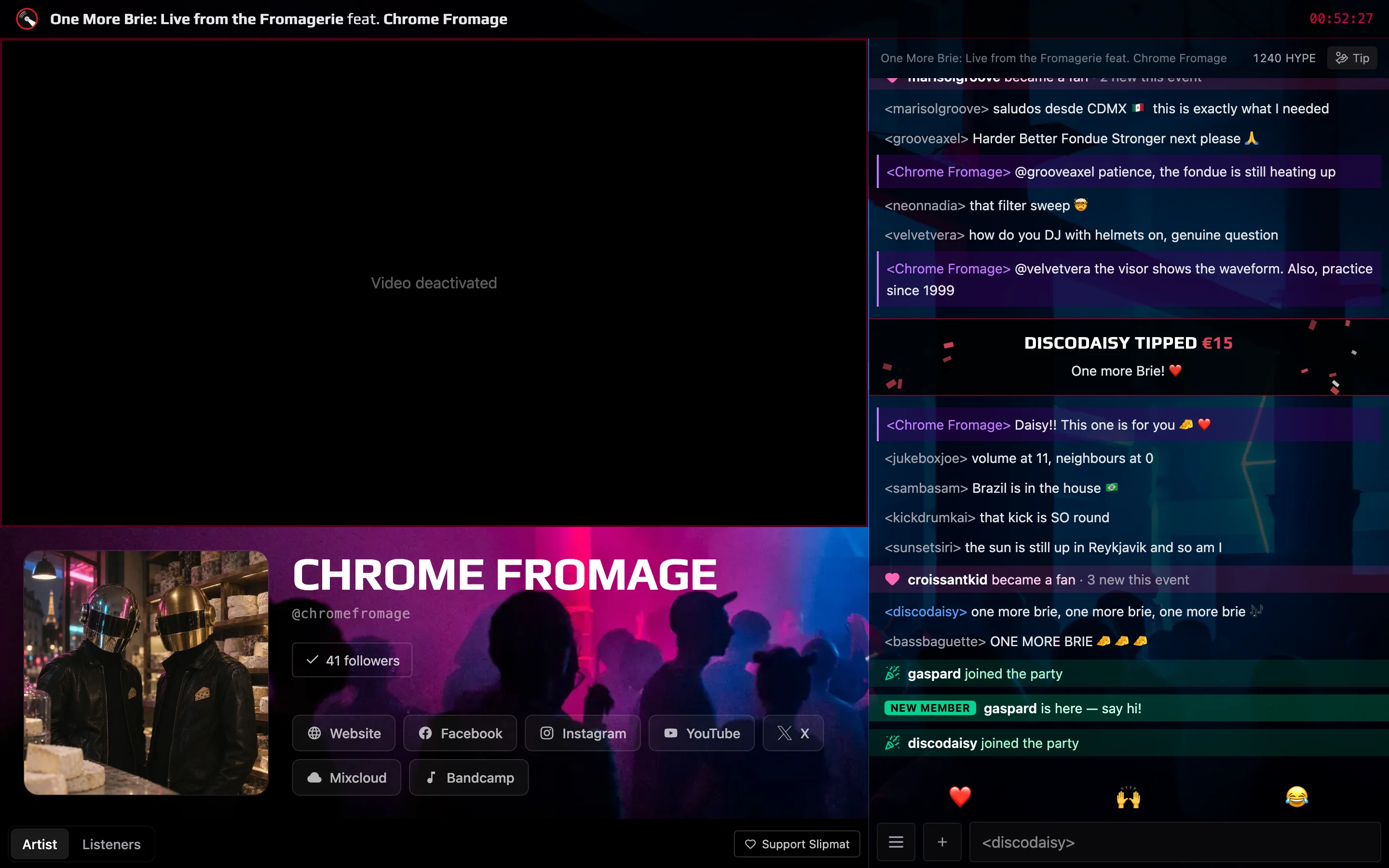
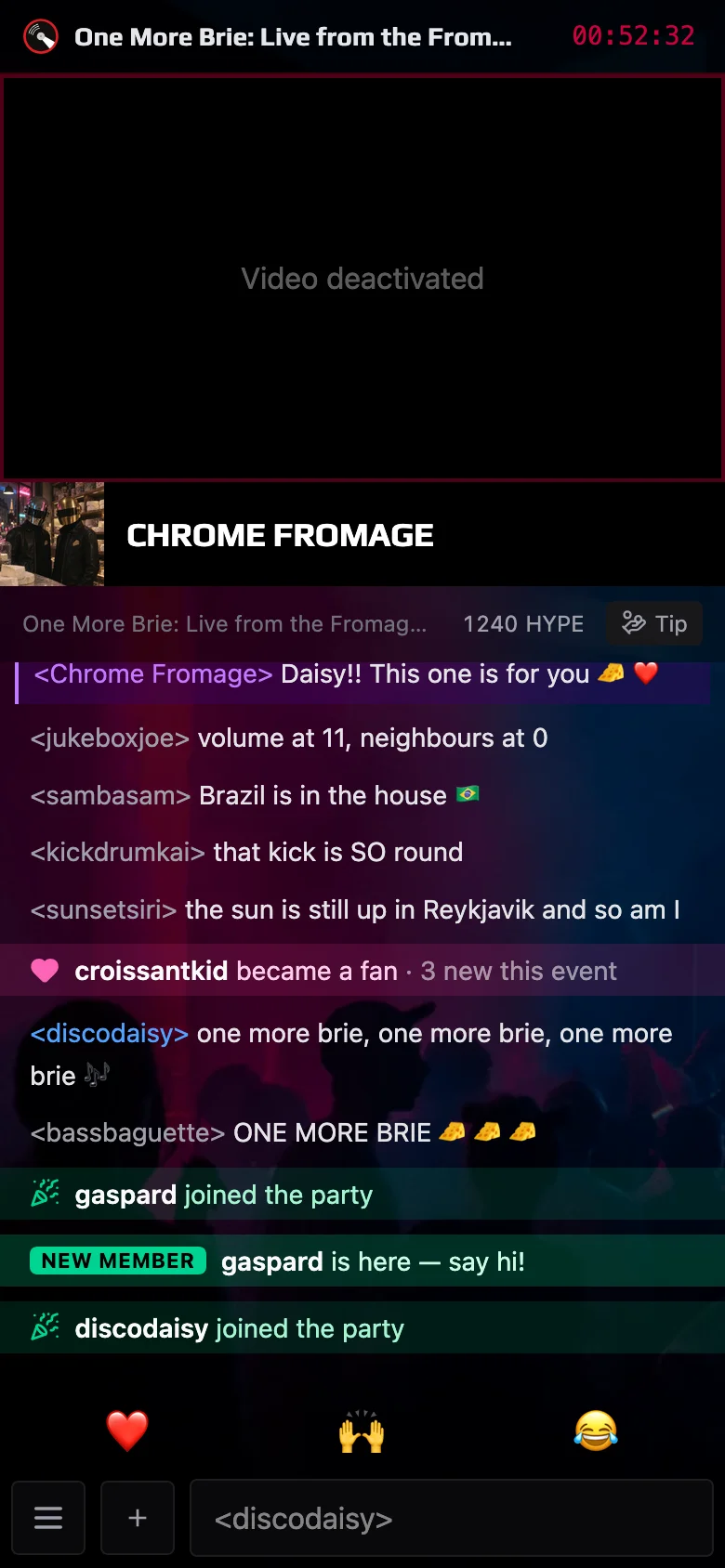
The doors open 30 minutes before the start, so you can join the chat in advance to chat with the artist and other community members. When the event ends, you’ll be automatically redirected to the next event if one is set, or to the artist’s own chat channel 30 minutes later, when the cooldown ends.
Show your support
Section titled “Show your support”Send HYPE
Section titled “Send HYPE”HYPE is the dance floor of the Live Page. While the artist is on the air, every reaction you tap floats up for the whole room to see. It costs nothing, it lifts the atmosphere, and it tells the artist that the audience is with them.
Tip the artist
Section titled “Tip the artist”A tip goes straight to the artist, and everyone in the chat sees it. It encourages the artist, directly supports their work, and helps keep Slipmat running. The artist plays for you for free and without ads, and a night at home costs far less than a night at a club: give some of that to the artist. The Tip button shows when the artist has turned tips on, and Slipmat saves your card at your first tip.
Share the event
Section titled “Share the event”Posting the event on your social media costs nothing and helps the artist immensely: every new listener grows their audience.
Turn it to 11
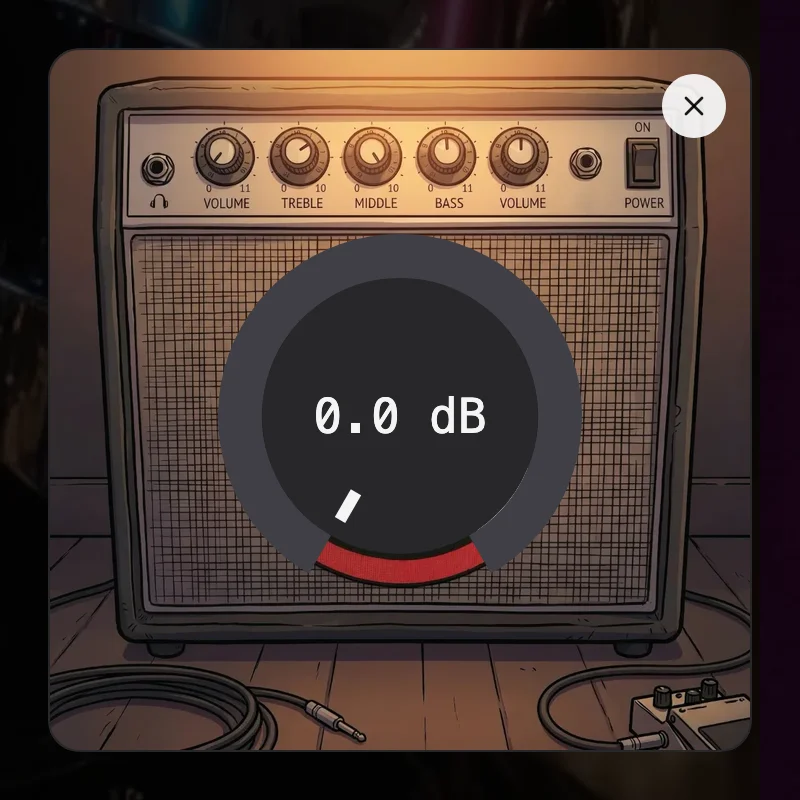
Section titled “Turn it to 11”When your laptop or phone is too quiet even at full volume, open the Amp with /amp in the chat or from the chat
menu (☰). It makes the sound up to about twice as loud. The Amp does not work in Safari or on iPhone and iPad.
Other Features
Section titled “Other Features”- Song requests and shout-outs: when the artist takes requests, open Requests at the top of the chat to ask for a song from the artist’s own music, or to send a written or recorded greeting. See Song Requests & Shout-outs.
- FlashBot: when the artist has invited FlashBot to the event chat, mention
@FlashBotto ask it anything about music. Every answer shows its sources. See Ask AI-Bot in the Chat guide. - Pop-out chat and commands: Pop out Chat in the chat menu (☰) opens the chat in its own browser tab, and the
music keeps playing on the Live Page. Type
/in the chat to see the commands. See the Chat guide.