Chat
Slipmat chat is where the community meets, during events and between them. Unlike the crappy Web chats you’re used to, Slipmat chat is polished, fully featured and — like everything else on Slipmat — tuned for music.
The Basics
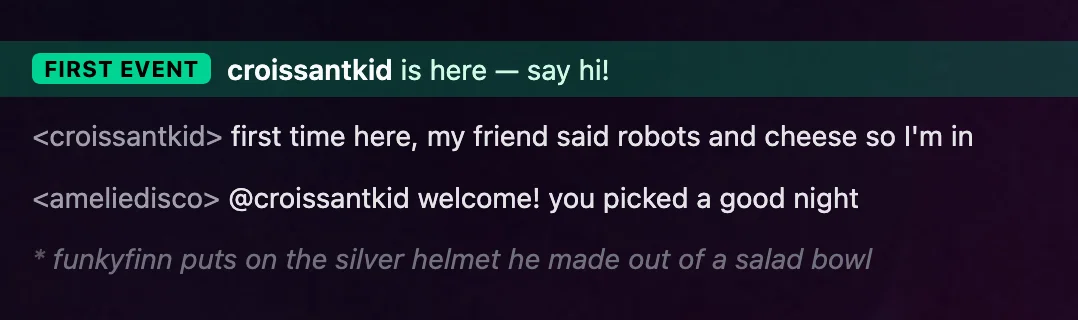
Section titled “The Basics”Well, it’s chat, not rocket science. But there are a lot of features!
- To mention a person, type
@and the first couple of characters, then press Tab to quickly ping them with an @-message. Tab completion works with or without@, so it’s easy to properly mention weirdly typed online handles. - All links get converted to proper hyperlinks with or without previews, based on your settings.
- Music links (like Spotify or YouTube links) get converted to rich previews with automatic links to different music services — you can listen to the track immediately, whether or not you happen to have that exact account.
- Like on IRC, type
/meto express an action. - Messages with only one or two emojis are shown larger.
- You can have several chat channels and private conversations open simultaneously.
/settingsopens up your settings to tweak things./helpalways shows you the full list of available commands.
That should be more than enough to get you started.
Features
Section titled “Features”Artist messages and mentions
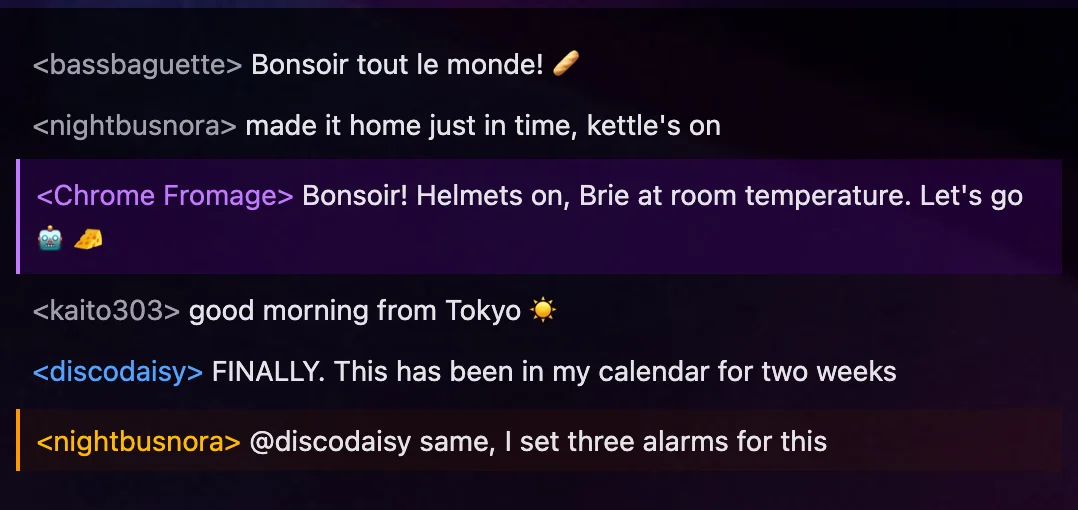
Section titled “Artist messages and mentions”Messages from the artist stand out in the chat, and so do messages that mention you.
Post photos
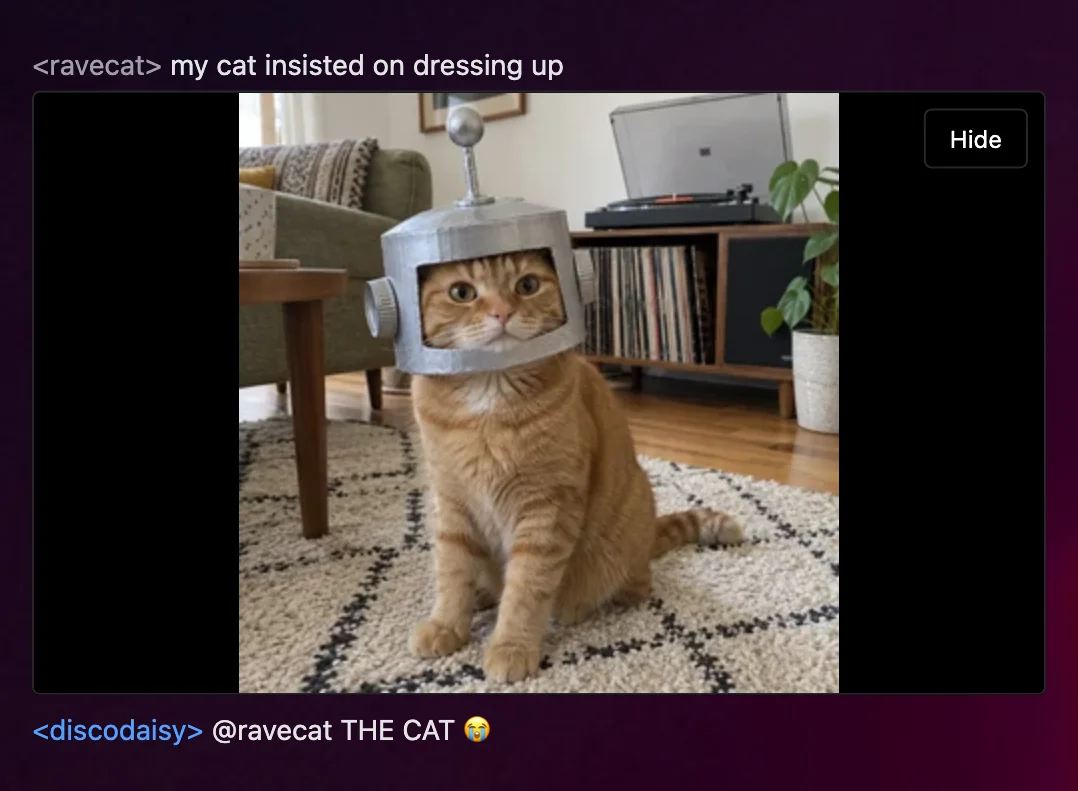
Section titled “Post photos”Click + next to the message box, or type /upload, to post a photo.
Share music links
Section titled “Share music links”When you post a link from Spotify, Apple Music, YouTube Music or TIDAL, Slipmat finds the same music on all four services and shows it with its cover and a link to each service.
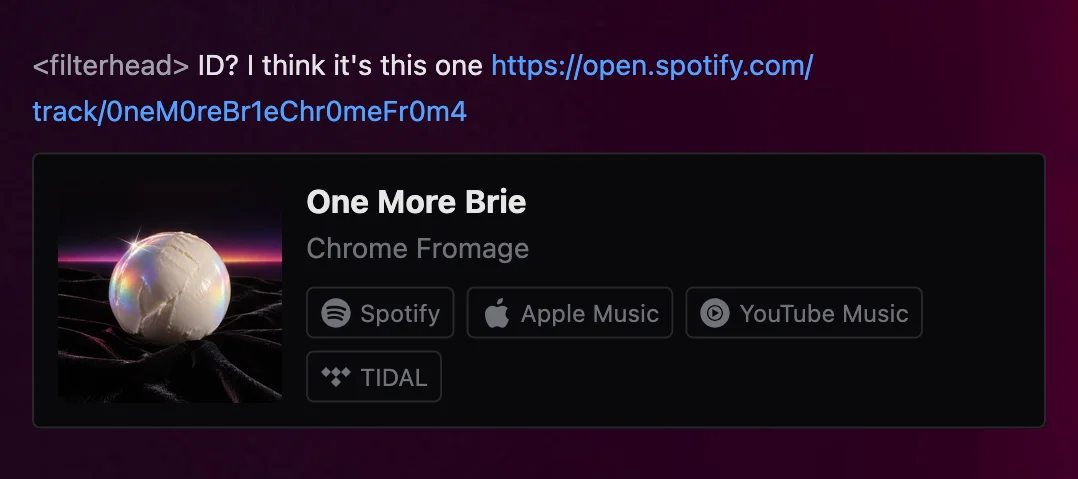
The same functionality is available outside the chat as well:
- The Music Link Converter converts music links in your browser.
- The Slipmat Music API gives the same tool to developers for free.
Non-music links show either a preview with a title and an image, or just the title and domain, based on your personal settings.
Post code and documents
Section titled “Post code and documents”Type /post to post Markdown text or a code snippet, or /pastebin to make a paste that you can share.
Celebrate tips and new fans
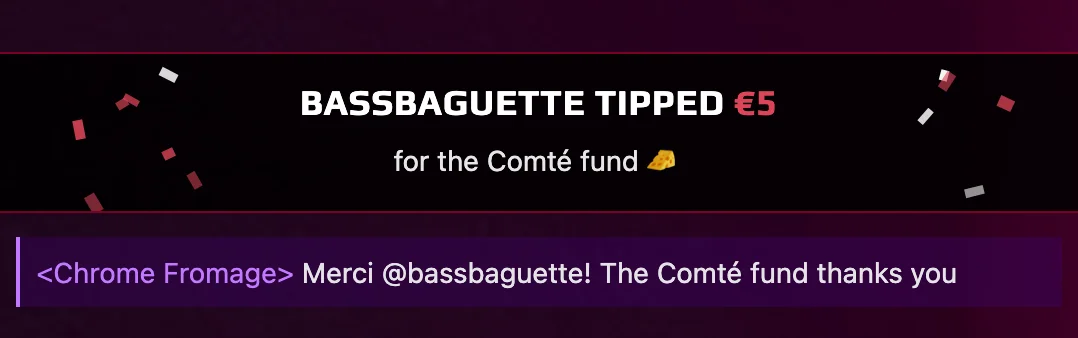
Section titled “Celebrate tips and new fans”Tips and new fans show up as celebratory messages in the event chat. See how tips work.

Ask AI-Bot
Section titled “Ask AI-Bot”FlashBot is our AI-powered chatbot. It is present in the event chat if the artist has
invited it. It has huge knowledge of anything music-related and can access the Slipmat Music API, but like all modern
LLMs, it can answer questions about anything. FlashBot always provides full sources for its answers. You can ask it
anything by pinging @FlashBot in your message.
DMs and private chats
Section titled “DMs and private chats”Type /msg <nick> to start a direct message with a friend. You can only DM your friends, so if you want to DM someone, friend
them first. You can also create larger group chats by creating private channels.
Commands
Section titled “Commands”Slipmat chat uses IRC-like slash commands. Type / to see the list, and /help to see more info about all of the
available commands.

Crowd Control
Section titled “Crowd Control”Like IRC, Slipmat chat has operators (ops) who can mute people and kick them out. Remember to keep the chat friendly
at all times, or you’ll find out how they work.
We call the moderation tools crowd control because it sounds cooler and more music-related 🤘
Tune your chat
Section titled “Tune your chat”Open the settings with /settings in the chat, or on your account settings page.
Each change saves immediately.
- Show images: show image previews by default or not.
- Show link previews: show a big rich preview or a small inline text for normal links in the chat.
- Show code snippets: expand posted code and Markdown text by default or not.
- Sound on mention: plays a sound when someone @-mentions you.
- Sound on message: plays a sound for new messages in other channels, or while the chat window is in the background.
- Dyslexia-friendly font: uses the OpenDyslexic font in chat and requests.
Technical Details
Section titled “Technical Details”Channel types
Section titled “Channel types”- Event channels: each scheduled event has its own chat. Ad hoc events use the artist channel.
- Artist channels: the public channel of each artist.
- Artist crew channels: the private channel of each artist crew. (We couldn’t build walkie-talkies for the Web, so we built this instead!)
- Private channels: channels that can be joined by invitation.
- Direct messages: private conversations between two people.
You can have more than one channel open and switch between them.
Privacy
Section titled “Privacy”Slipmat chat is not end-to-end encrypted. Slipmat administrators can read private messages, for example when law enforcement asks Slipmat for data. For normal use this does not matter, but we want you to know it.